Two-column resumes look sharp, a tidy sidebar for skills and contact, a main column for experience. Designers love them, and template sites push them hard. But the moment that file hits an applicant tracking system, the layout that looks organized to you can read as scrambled nonsense to the software. So are two-column resumes actually ATS-friendly? We ran the test. Here's the honest answer.
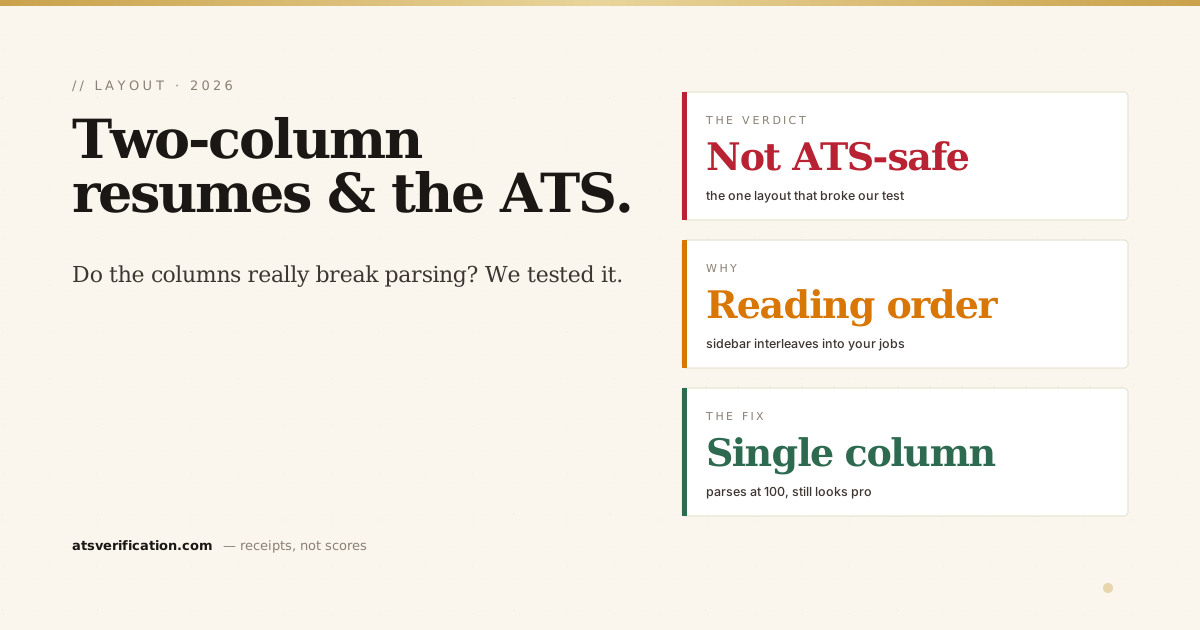
- The short answer: no, not for ATS submissions. Two columns are the single highest-frequency structural breaker in resume parsing.
- We tested it. In our 2026 parsing benchmark, the two-column layout was the only one of six to draw a critical flag, and the only one to lose points, dropping from a clean 100 to 85.
- The problem is reading order, not lost words. Parsers reconstruct side-by-side columns row by row, interleaving your sidebar into your work history. The text is there; the order is jumbled.
- It's a risk you don't need to take. A clean single-column resume parses perfectly and still looks professional to a human.
- Two columns are fine for a résumé you hand directly to a person, a portfolio PDF, a networking leave-behind. Just never for a form that feeds an ATS.
The short answer
For any application that goes through an applicant tracking system, which is nearly every large employer, a two-column resume is a risk you don't need to take. It's not that the ATS refuses to read it. It's that the reading order breaks, and a resume the software reads in the wrong order ranks worse than the same content in a single column. If a human is the only reader (a coach, a referral, a portfolio), two columns are fine. For the software gate, they're the wrong bet.
What actually breaks (and what doesn't)
Here's the mechanism. A PDF has no real concept of "columns", it's just text placed at coordinates. When a parser extracts that text, it rebuilds reading order from position, and for side-by-side columns it tends to sweep left-to-right across the whole page, row by row. So a line of your job description gets glued to a skill from the sidebar, then the next job line, then the next skill. Your experience and your sidebar get shuffled together.
Importantly, the words usually still extract, your name, dates and skills are all in there somewhere. What's lost is structure: the parser can no longer tell that "Senior Analyst" belongs above those three bullets, or that "SQL, Python" is a skills list rather than part of a sentence. That's why this is easy to underestimate, your resume isn't blank, it's just quietly jumbled. The same root cause drives most of the most common parsing failures.
The evidence: we tested it
Rather than just repeat the warning, we measured it. In our 2026 ATS parsing benchmark, we took one resume and rendered it in six layouts, changing only the structure, then ran each through a real extraction-plus-detector pipeline. The result was stark:
- The clean single-column control parsed at a perfect 100/100, every field extracted, zero issues.
- The two-column version was the only layout of the six to draw a critical flag (a reading-order scramble) and the only one to lose points, falling to 85/100.
- Layouts people also fear, a skills grid, em-dashes and curly quotes, didn't break at all. Columns were the real problem.
So the fear about two columns is one of the few pieces of resume advice that holds up under an actual test. Many of the "ATS-friendly" templates sold online are two-column, which is exactly why so many break, as we found when we ran 20 Canva templates through Workday. LaTeX does not rescue you either: the two-column AltaCV and Deedy templates scramble the same way, covered in are LaTeX resumes ATS-friendly.
"But my two-column resume got me interviews"
Sometimes it does, and that's worth being honest about. If you applied somewhere small that doesn't use an ATS, or a recruiter opened your PDF directly, the layout never got parsed and your design carried you. The trouble is you can't tell which applications went through a parser and which didn't. Every two-column submission to a large employer is a coin flip you didn't need to take, when a single-column version removes the risk entirely for free. Why gamble your shortlist on a sidebar?
When two columns are fine
Two columns aren't evil, they're just wrong for one specific job. Use them freely when a human is the only reader:
- A portfolio or personal-site PDF you send directly to someone
- A networking leave-behind or a resume you hand over in person
- A designer or creative resume where the layout is part of the pitch, but keep a single-column version for the online application
The rule is simple: single column for the software, anything you like for the human. (A two-column layout is really just a big invisible table, more on when a table is and isn't safe in do ATS read tables in a resume.)
How to fix a two-column resume
You don't have to lose your content, just the columns. Rebuild it as a single top-to-bottom flow:
- Contact line at the very top of page one, in the body (not a sidebar or header).
- One reading order: Summary → Experience → Skills → Education, each full-width.
- Move the sidebar inline. Skills become a plain comma-separated line under a "Skills" heading; certifications get their own short section.
- Use standard headings so the parser can map each section, per our ATS-friendly format guide.
- Re-test before you apply so you can see the new reading order is clean.
If you want the mechanics of why single-column wins on the scoring side too, that's covered in how ATS scoring works and why Workday rejects resumes.
Test your own resume in seconds
The only way to know how your layout reads is to see the extracted output. Run a free scan and check whether your name, titles, dates and skills come out in the right order, or whether a hidden two-column scramble is quietly sinking you. It uses the same pdf.js-based extraction real systems rely on, with no invented match score attached.
→ Free ATS scan, see if your columns are scrambling your resume