Disclosure before anything else: my company makes one of the tools in this comparison, so I have a horse in this race. I am going to handle that the only honest way I know, by telling you exactly what each type of tool does, where mine is genuinely the wrong choice, and where it is the right one. If a comparison written by a vendor does not name the situations where you should buy from someone else, it is an advert wearing a review's clothes.
- LinkedIn optimization tools solve one problem: recruiters search a database, and profiles without the right terms never surface. Everything else is decoration.
- The market splits into three types: profile graders, content and creator tools, and rewrite services. They are not interchangeable.
- Watch the pricing model more than the price. Most tools are subscriptions engineered for you to forget; a profile rewrite is a one-time job.
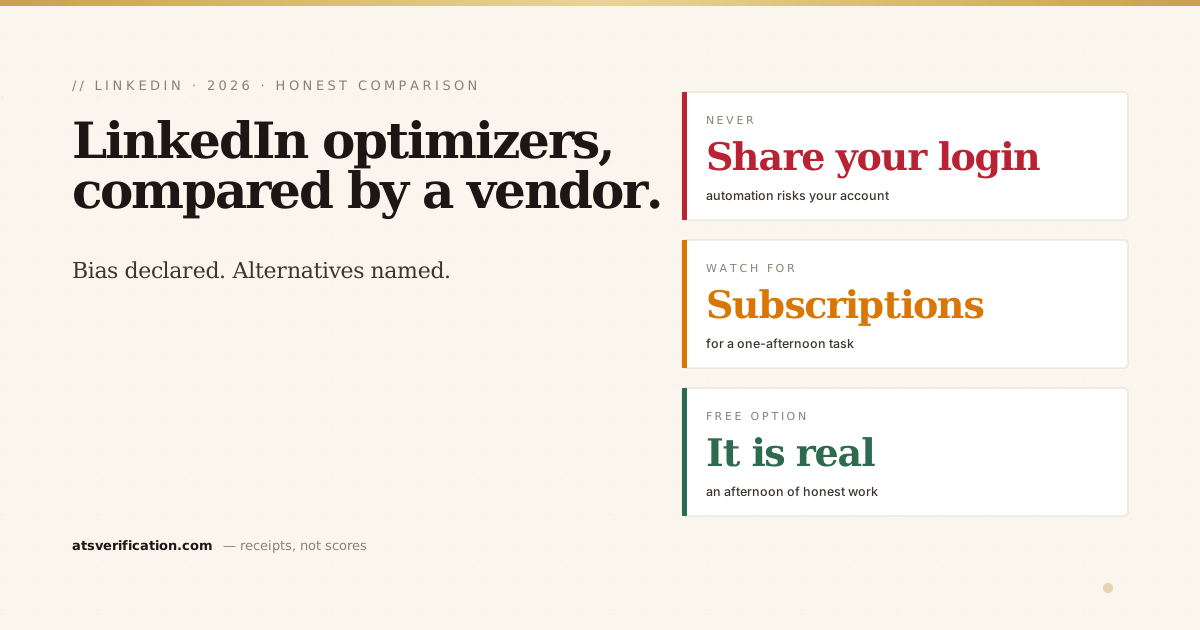
- Never give a tool your LinkedIn login. Automated actions on your account violate LinkedIn's terms and can get you restricted.
- The free option is real: an afternoon with LinkedIn's own guidance fixes most profiles. Tools buy speed, not magic.
The problem these tools actually solve
Recruiters do not browse LinkedIn the way you do. They sit in a search interface, type role titles and skills into filters, and work through the results, a workflow LinkedIn’s own talent blog describes from the recruiter side. If your headline says "Passionate professional seeking new opportunities" instead of the words recruiters type, you are invisible regardless of how good your experience is. I wrote about the mechanics in why recruiters are not reaching out, and the short version is that most "dead" profiles are not weak, they are unfindable.
So every tool in this category is ultimately selling the same outcome: a headline, About section and skills list that carry the terms your target role is searched by, written so a human still wants to message you after finding you. LinkedIn's own guidance says as much, and it is free, which is worth remembering before paying anyone.
The three types, and which one you actually need
Type 1: Profile graders and checklists
These scan your profile and score it: photo present, banner present, headline length, About length, skills count. Resume Worded's LinkedIn review and Careerflow's checker are the known names. They are useful the way a pre-flight checklist is useful, and their free tiers genuinely identify gaps.
The honest limitation: a grader tells you the About section is too short. It does not write a better one. Most run on freemium subscriptions where the diagnosis is free and every fix is behind a monthly plan, so check what the paid tier actually unlocks before entering a card number.
Type 2: Content and creator tools
Taplio, AuthoredUp and similar are for people building an audience: post scheduling, carousel makers, engagement analytics. They are real tools for a real job, and that job is not yours if your goal is being found by recruiters. A job seeker does not need a posting calendar, they need a searchable profile. If someone sells you a creator subscription for a job search problem, you are financing the wrong solution.
Type 3: Rewrite services, human or software
This is where our product sits, so read this section knowing who wrote it.
Human LinkedIn profile writers typically charge somewhere between one hundred and several hundred dollars and deliver in days. The good ones interview you and produce genuinely strong copy. The same caveats apply as with resume writing services: the industry has no entry barrier, and much of what is sold as bespoke writing is a template with your nouns swapped in.
Software rewrites, ours included, work from your existing material. Our version takes the resume you already have, and generates a keyword-optimized headline, an About section, a skills list and STAR-format experience bullets built from your real history. It costs $9 once, not monthly, and it never asks for your LinkedIn login, you copy the output in yourself. It is honest to say the ceiling of any software rewrite is the quality of what you feed it: it makes your real experience findable and readable, it does not invent a better career.
The comparison that matters: pricing model and access
Two questions cut through this whole market faster than any feature list.
One: is it a subscription? Optimizing a LinkedIn profile is a task, not a lifestyle. It takes an afternoon, then it is done for months. Subscription pricing on a one-off task is engineered around you forgetting to cancel. A one-time price matches the shape of the actual job, which is why we price ours that way, and honestly also why the subscription vendors out-spend us on ads: recurring revenue funds recurring marketing.
Two: does it want your LinkedIn login? Any tool that logs into your account to make changes or send activity is operating against LinkedIn's user agreement, and LinkedIn does restrict accounts for automated activity. A safe tool generates content and lets you paste it in yourself. This is not a hypothetical, it is the difference between optimizing your profile and gambling it.
Who should use what, honestly
- You have time and no budget: use LinkedIn's own guidance plus our free writing guides on headlines and About sections. An afternoon of honest work beats any tool. This is genuinely the right answer for a lot of people.
- You want a diagnosis first: run a free grader, take the gap list, fix it yourself using the guides above.
- You want the rewrite done for you, cheaply, from your real history: that is our $9 one-time optimizer. It is the right choice when your resume is solid and your profile just does not reflect it.
- Your career story itself needs rethinking: pay a good human writer a few hundred dollars, using the same three vetting questions from our resume services comparison. Software cannot reframe a career, and I will not pretend ours can.
- You are building an audience, not job hunting: creator tools like Taplio are your category, and nothing in this article applies to you.
One thing no tool fixes
The profile gets you found. What happens next depends on whether the profile and your resume tell the same story, because recruiters who find you will ask for the resume within two messages, and inconsistency between the two reads as embellishment. Whatever tool you use for LinkedIn, make sure the underlying resume is clean first, that is the document the whole process eventually lands on. Our free resume scan is one way to check it; reading it carefully yourself is another.