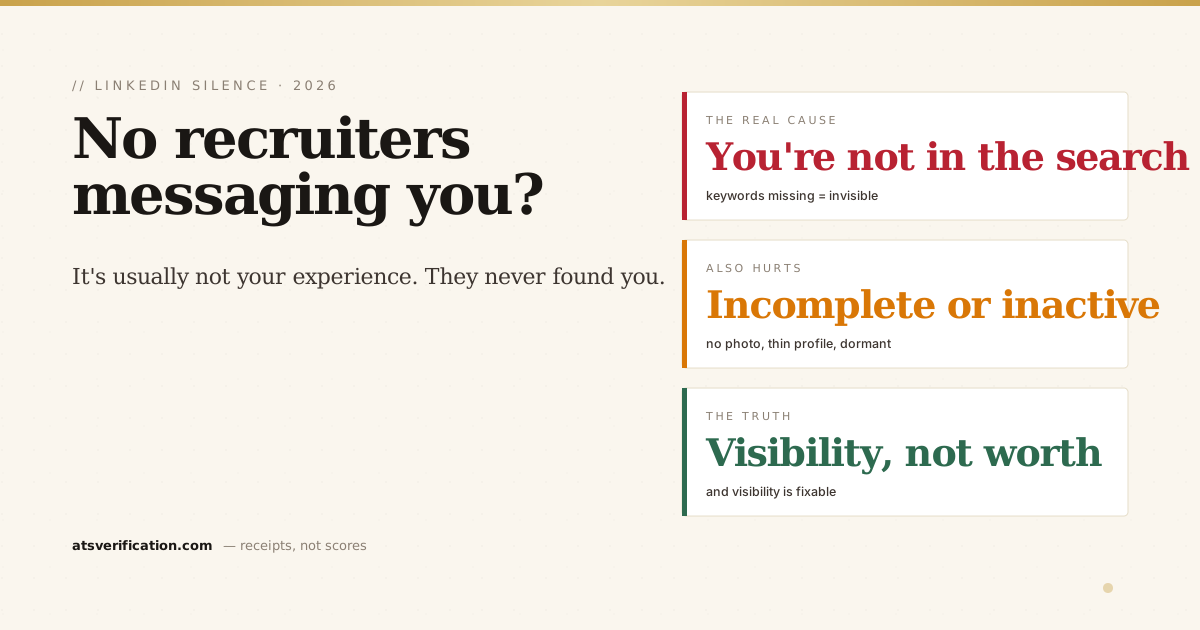
You have real experience, a complete-looking profile, and years in your field, and your LinkedIn inbox is silent. It's easy to read that silence as "I'm not good enough." Usually it's something far more fixable: recruiters never found you in the first place. LinkedIn Recruiter is a search tool, and if your profile doesn't contain the words recruiters type, you're not in their results, no matter how qualified you are. Here's exactly why the messages aren't coming, and how to change it.
- Recruiters search, they don't scroll. They type keywords into LinkedIn Recruiter; only matching profiles surface. This is the same mechanic as an ATS searching resumes.
- Missing keywords = invisible. If your headline, titles, skills, and About don't contain the terms recruiters search, you don't appear.
- Incompleteness and inactivity push you down. No photo, thin profile, or a dormant account rank below active, complete ones.
- Open to Work is a real signal, recruiters can filter for it, and set target titles/locations there.
- Silence is usually a visibility problem, not a worth problem, and visibility is fixable.
The core reason: you're not in the search results
Here's what actually happens on the recruiter's side. They have a role to fill, so they open LinkedIn Recruiter and type what the hiring manager asked for, a title, a couple of skills, a location. LinkedIn returns profiles whose headline, job titles, skills, and About section match those words. They skim the top results and message a shortlist. That's it. If your profile doesn't say "FP&A" and they searched "FP&A," you weren't in the list, your fifteen years of budgeting experience didn't matter, because the search never reached you. It's the exact same failure mode as a resume that doesn't get interviews: qualified, but not found.
The specific things keeping you invisible
- Your headline is your job title. The default wastes the single most search-weighted field on your profile. Fix it first, see LinkedIn headline examples.
- Your skills don't match the searches. Recruiters filter by skills, and a filter is binary, the skill is listed or you're excluded. Add the exact terms your target roles name.
- Your About has no keywords. It's searchable text; a keyword-free summary can't surface you (how to write it).
- Your profile looks incomplete. No photo, empty sections, or a vague headline signal a dormant candidate, and recruiters skip past them.
- You're inactive. LinkedIn's search leans toward active, engaged profiles, so a dormant account ranks lower even when the keywords match.
- Open to Work is off. Recruiters can filter specifically for open candidates; if it's off, you miss those searches entirely. Set it to "recruiters only" if you're worried about your current employer.
How to get found (in priority order)
- Rewrite your headline to lead with your target role and its searchable skills, not your current title.
- Load your skills with the exact terms your target postings use, and pin the three recruiters search most.
- Front-load your About with your top keyword in the first two lines, then keep it human.
- Complete the basics, real photo, filled experience, location, so you don't read as dormant.
- Turn on Open to Work with target titles and locations, and post or comment occasionally so you're not invisible to the activity signal.
According to guides like Hiration's breakdown of why recruiters don't message you, and LinkedIn's own guidance on recruiter-facing settings, the fix is almost always about being searchable and complete rather than being more qualified. The full mechanics are in how to optimize your LinkedIn profile for recruiters.
The honest shortcut, from your real resume
The fastest way to fix all of this is to rebuild your headline, skills, and About from the resume you already have. Our LinkedIn Profile Optimizer does exactly that in one pass, three keyword-optimized headline options, a hook-first About, a search-ordered skills list, and STAR bullets, built only from what's genuinely in your resume. And when a target-role keyword isn't supported by your experience, it tells you to go build that skill rather than faking it into your profile, because being found for something you can't do just wastes the recruiter's call. $9, one-time. Being invisible on LinkedIn is a fixable problem, not a verdict.