Most people treat their LinkedIn profile like an online business card: fill it in once, make it sound nice, done. Recruiters don't read it that way, most of the time they don't "read" it at all. They search for it. LinkedIn Recruiter, the paid tool recruiters actually use, is a keyword search engine over profiles, the same way an ATS is a keyword search engine over resumes. If your profile doesn't contain the words they type, you're not in their results, no matter how good you are. Here's how to fix that, honestly.
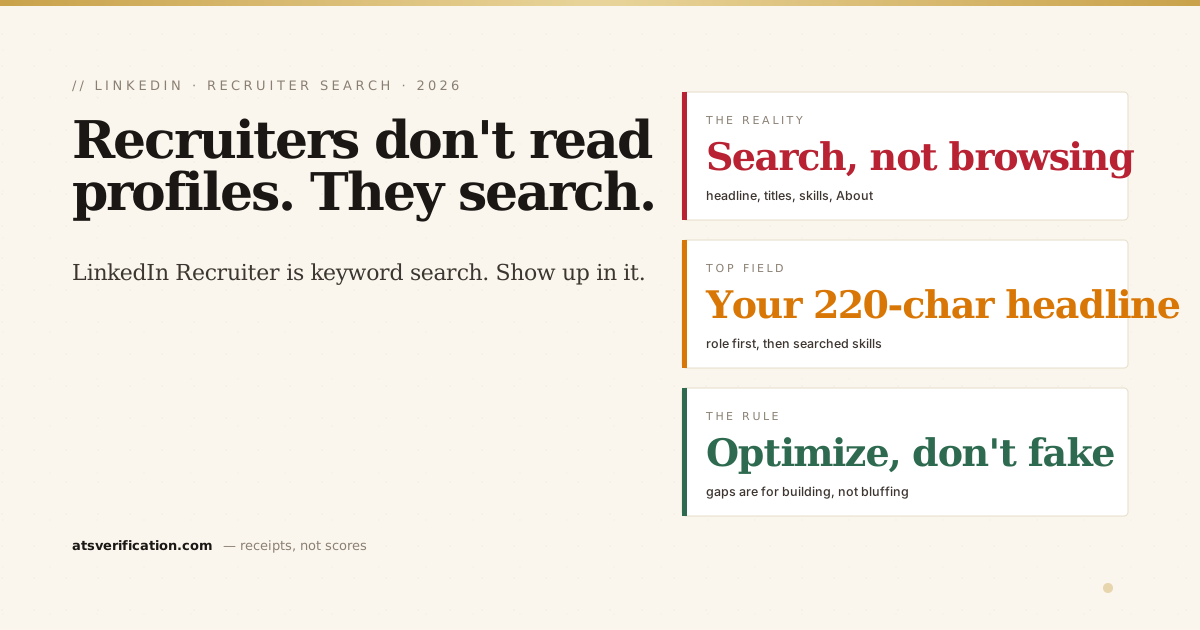
- Recruiters search, they don't browse. LinkedIn Recruiter is keyword + filter search over your headline, titles, skills, and About section.
- The headline is the highest-value field, 220 characters that weigh heavily in search and are the first thing shown in results.
- Skills are filterable. Recruiters filter candidate lists by specific skills; if a skill isn't listed, that filter drops you.
- Use the exact terms of your target role, not creative descriptions, "FP&A" gets searched; "finance wizardry" never does.
- Never add keywords you can't back up. A faked skill surfaces you to a recruiter who will test it in the first call.
How recruiters actually find people
A recruiter with a role to fill opens LinkedIn Recruiter and types what the hiring manager asked for: a title ("Senior FP&A Analyst"), skills ("forecasting," "SQL"), sometimes booleans and location filters. LinkedIn returns profiles whose headline, job titles, skills, and About text match. Then they skim the top results and message a shortlist. That's the whole game, and it's the same mechanic as recruiters searching an ATS database of resumes (see how recruiters sort candidates). Being qualified isn't enough. Being findable is the entry ticket, exactly like a resume that parses cleanly.
The fields that matter, in order
1. Headline (220 characters)
The headline is the most search-weighted text you control, and it's what shows under your name in results. The default, your job title at your company, wastes it. Lead with the role you want to be found for, then your highest-value searchable terms: tools, specialisations, credentials. "Financial Analyst at Acme" becomes "FP&A Analyst | Budgeting & Forecasting • Variance Analysis • SAP • Excel Automation | ACCA." We wrote a full guide with formulas and examples: LinkedIn headline examples for job seekers.
2. Job titles
Your experience titles are searched heavily. If your internal title is vague ("Analyst II," "Associate"), add the searchable version where truthful: "Analyst II (FP&A)". Never invent a title you didn't hold, frame the real one so search can see it.
3. Skills
Recruiters don't just search skills, they filter by them. A filter is binary: the skill is on your profile or you're excluded. List the skills your target role's postings actually name (LinkedIn allows up to 50; the same logic as listing skills on a resume applies, exact terms, not paraphrases), and pin the most-searched ones to your top three.
4. About section
Searched, but also read once you've surfaced, it has to do both jobs. The first two lines appear before the "…see more" fold, so put your strongest positioning and top keyword there, then keep it human: what you do, proof, and what you're looking for. Full framework and examples in how to write your LinkedIn About section.
5. The settings people forget
Turn on Open to Work (at minimum, visible to recruiters only) and set your target titles and locations in it, recruiters can filter for open candidates, and according to LinkedIn's own guidance these signals feed their search tools directly. Fill in location (recruiters filter by it, the same reason location matters on your resume) and add a real photo; a blank profile reads as inactive and gets skipped.
The honest rule: optimize, don't fabricate
Keyword optimization has a failure mode: stuffing your profile with skills you don't have. It "works" right up until a recruiter surfaces you, opens with a question about the skill, and the call dies, plus recruiters remember. If your target role keeps demanding a keyword you can't truthfully claim (say, Power BI), the honest move is to go build it and add it when it's real. Findability gets you the conversation; only the truth survives it.
Do it from your resume in one pass
Everything above is a rewriting job over material you already have, your resume. That's exactly what our LinkedIn Profile Optimizer does: it turns your real resume into three keyword-optimized headline options, a hook-first About section, a search-ordered skills list, and STAR experience bullets, and it reports the target-role keywords your resume doesn't support as an honest gap to build, instead of faking them. $9, one-time, built only from what's genuinely yours. And since your profile and your resume feed the same pipeline, check the resume side too: applications through LinkedIn Easy Apply still get parsed by an ATS, so run a free scan to see exactly what the software extracts. As Jobscan's research on recruiter behavior notes, the overwhelming majority of recruiters source candidates on LinkedIn, being invisible there is leaving interviews on the table. If your inbox is already silent, here's the fuller diagnosis: why recruiters aren't reaching out to you on LinkedIn (and the resume side of the same silence, why your resume isn't getting interviews).
And if you are weighing paid help, I compared the whole tool market honestly, including where ours is the wrong choice, in the best LinkedIn optimization tools.