You can fire off twenty LinkedIn Easy Apply applications in the time it takes to make coffee. That's exactly the problem. The frictionless button that feels so productive is the same button everyone else is mashing, and the convenience that helps you apply faster also helps a hundred other people apply to the same role. Here's what actually happens to an Easy Apply submission, why so many vanish without a reply, and how to stop wasting them.
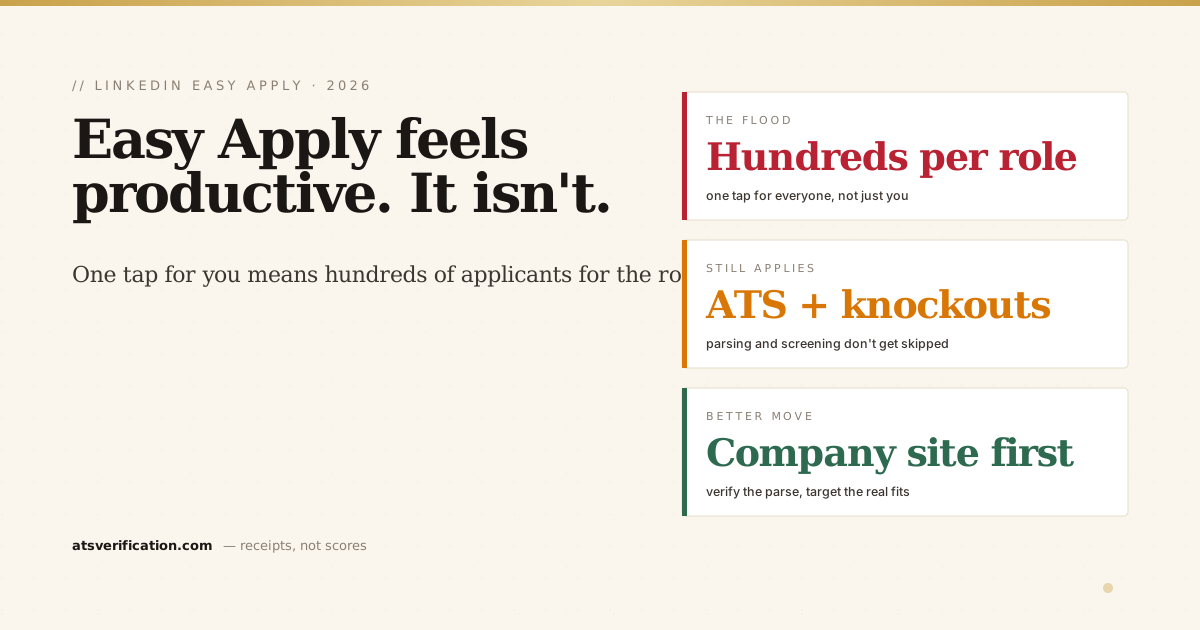
- Easy Apply is frictionless on purpose, which means popular roles get flooded with hundreds of low-effort applications, and yours competes in a much bigger pile.
- Your resume still gets parsed. Easy Apply doesn't skip the applicant tracking system; your file is still read into text and can still break.
- Knockout screening questions still apply and can auto-reject you instantly, exactly as they do on any other application.
- Applying on the company site is often stronger for roles you actually care about, because you land directly in the employer's own ATS.
- Volume is not a strategy. Fewer, targeted applications with a resume you've verified beat fifty rushed Easy Applies.
What Easy Apply actually does
Easy Apply lets you submit to a job without leaving LinkedIn, it attaches the resume on your profile (or one you upload) plus your answers to any screening questions, and sends it to the employer. Convenient, yes. But "you didn't leave LinkedIn" doesn't mean the application skipped the machinery. On the employer's side, your resume is still parsed into text and loaded into their system, the same way it would be anywhere else (see what an ATS is and how it reads your resume). Easy Apply changes the front door, not what happens once you're inside.
Why so many Easy Applies get no response
1. The pile is enormous
Because it's one tap, popular roles can collect hundreds of applications within hours of posting. Recruiters don't read hundreds of resumes; they search and filter the pile (see how recruiters actually sort candidates). If your resume didn't parse cleanly, you're not in the searchable pile at all, you're invisible, not rejected. The sheer volume also means many strong applications never get opened simply because the role filled first.
2. Knockout questions still filter you instantly
Those quick screening questions in the Easy Apply flow are not decoration. Some are configured as knockouts: answer one in a way that misses a hard requirement, work authorization, years of experience, location, a required license, and you're auto-rejected in seconds, before any human looks. This is the real reason behind most "rejected minutes after applying" stories (full breakdown: why you get rejected minutes after applying).
3. Your resume can still break on parse
Easy Apply doesn't protect your file from a bad parse. A two-column layout, a name buried in the page header, an image-based PDF, or tables can still scramble or vanish. The application looks sent from your side, but the employer's system may have received garbled text.
4. Speed makes you careless
The one-tap flow encourages applying to roles you don't really fit and skimming past the questions. That's how people rack up fifty applications and fifty silences. Volume feels like progress; it isn't.
Easy Apply vs. applying on the company site
For roles you genuinely want, applying on the employer's own careers site is often the stronger move. You land directly in their ATS, Workday, Greenhouse, Taleo, iCIMS, with nothing lost in a hand-off, and the employer-specific questions and consent forms usually only live there. It's the same trade-off you face applying through a job board (see does Indeed use an ATS and does ZipRecruiter use an ATS). Use Easy Apply for speed and discovery; use the company site for the jobs that matter. The LinkedIn Help Center explains the Easy Apply flow itself, but it won't tell you which door gives you the better shot.
The other half: your profile is searchable too
Easy Apply is you going to recruiters. The reverse channel matters as much: recruiters searching LinkedIn for candidates like you. That search reads your headline, titles, skills, and About section by keyword, so a profile that doesn't say what they search never surfaces, no matter how many applications you send. If your profile still has the default job-title headline, our LinkedIn Profile Optimizer rebuilds it from your real resume in one pass.
How to make Easy Apply actually work
- Apply to fewer, better-matched roles. Clear the hard requirements before you tap. Volume is not a strategy.
- Read the screening questions. Answer years, authorization, and location precisely so a knockout doesn't auto-reject you.
- Verify your resume parses. Run the free copy-paste test or a free ATS scan that shows the exact text extracted from your file, no invented score, no signup.
- Fix the format if it broke, one column, real text, standard headings (the full method).
- Go to the company site for the roles you care about, and save Easy Apply for casting a wider, lower-stakes net.
Since nearly all large employers run an ATS (see do Fortune 500 companies use an ATS), the two things you control on Easy Apply are the same two as everywhere else: your screening answers and whether your resume parses. Get those right and the silence starts to break.