Indeed is the busiest job site in the US, so it's the place most people first meet the "applied and heard nothing" black hole. The confusion is understandable: is Indeed itself the applicant tracking system, or is it sending your resume somewhere else? The answer is a bit of both, and understanding the hand-off explains why some applications disappear and how to keep yours readable the whole way through.
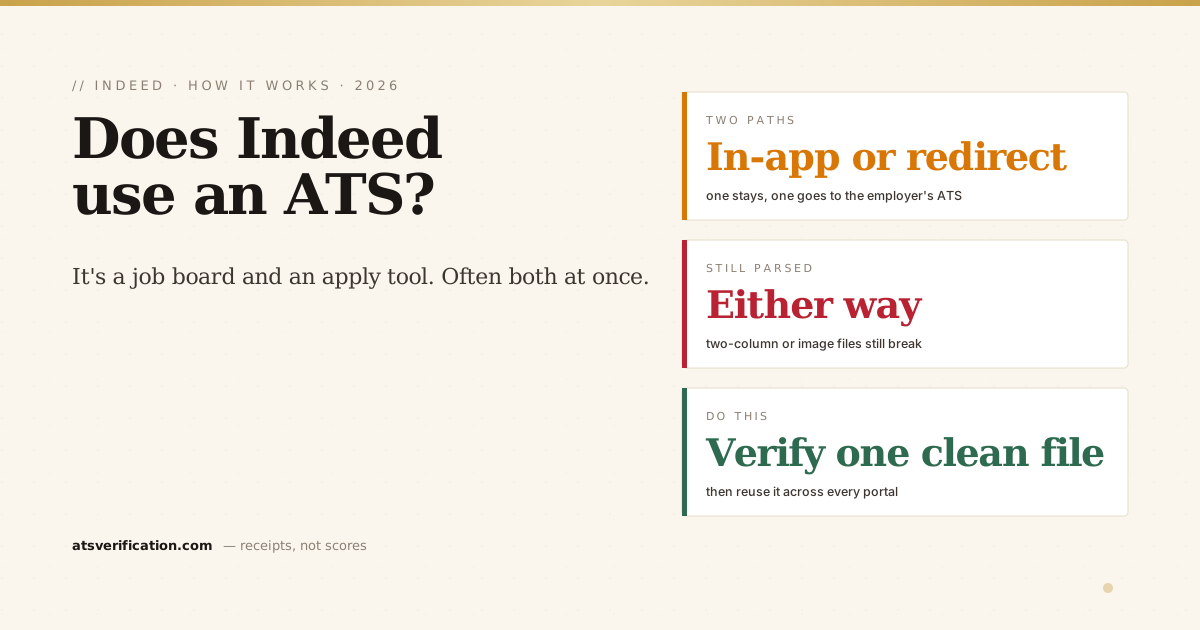
- Indeed is a job board and an apply tool, not one single ATS. It has its own hiring platform, but for many listings it hands your application to the employer's own ATS (Workday, Taleo, iCIMS, Greenhouse, and others).
- Two very different paths: "Indeed Apply" (you apply inside Indeed) versus "Apply on company site" (you get redirected to the employer's own system).
- Your resume still gets parsed either way. Whether Indeed's system or the employer's ATS reads it, a two-column or image-based file still scrambles or vanishes.
- Your Indeed profile resume and an uploaded file are not the same thing. How you apply changes what the employer actually receives.
- Check what your resume parses into before you rely on it for dozens of Indeed applications.
So, does Indeed use an ATS?
Indeed operates its own hiring and applicant-management platform for employers, so in that sense yes, Indeed has ATS-like features: employers can post jobs, receive applications, screen with questions, and message candidates inside Indeed. But Indeed is first and foremost a job board and aggregator. A huge share of the listings you see were pulled in from elsewhere, and applying often sends you into the employer's own applicant tracking system rather than keeping you inside Indeed. So "does Indeed use an ATS" has two honest answers depending on the listing: Indeed's own system, or a third-party ATS it hands off to. The same is true of other marketplaces (see does ZipRecruiter use an ATS). For the general mechanics of how any of these read your file, see what an ATS is and how it reads your resume.
The two paths your application can take
Path 1, "Indeed Apply" (the blue Apply now button)
You complete the application without leaving Indeed. Your Indeed resume or an uploaded file goes to the employer through Indeed's system, along with your answers to any screening questions. This is fast, but the same knockout screening questions apply, and your resume is still parsed into text on the employer's side.
Path 2, "Apply on company site"
Indeed redirects you to the employer's own careers portal, which runs their ATS, often Workday or Greenhouse, Taleo, or iCIMS. You re-enter details, upload your file, and it's their software that parses and stores it. Indeed was just the doorway. This is where a lot of "I applied but it made me redo everything" frustration comes from.
Knowing which path you're on matters, because a file that looks fine to you can still parse badly in whichever system ends up reading it.
Your Indeed profile vs. the resume you upload
Indeed lets you build a resume on the platform and also upload your own file. These are not interchangeable:
- An Indeed-built resume is structured data, so it transfers cleanly into Indeed Apply, but employers sometimes receive a reformatted version, not your carefully designed original.
- An uploaded file (your own PDF or Word doc) is what many employers actually want, and it's the one that can break during parsing if it's two-column, image-based, or header-heavy.
If you rely on an uploaded file, its readability is everything. A polished template that scrambles on parse will scramble on every Indeed application you send with it.
Why Indeed applications vanish (and what to do)
The reasons line up with everything above:
- A knockout answer disqualified you instantly (see why you get rejected minutes after applying).
- A parsing failure meant your work history or contact details didn't come through, so you never surfaced in the recruiter's search (how recruiters actually sort candidates).
- The listing was stale, aggregated boards sometimes show roles that are already filled or closed.
- Volume, popular Indeed roles can draw hundreds of applicants within a day.
The two things you control are the same two as always: your screening answers and whether your resume parses. Before you fire off another batch of Indeed applications, verify the file. Run the copy-paste test or a free ATS scan that shows the exact text extracted from your resume, with no invented match score and no signup. If it reads cleanly, one good file works across Indeed, LinkedIn Easy Apply, and every employer portal it hands you to. If it doesn't, you'll see exactly where it breaks and can fix it before it costs you another fifty applications. For the wider US picture, see do Fortune 500 companies use an ATS and how to pass the ATS.