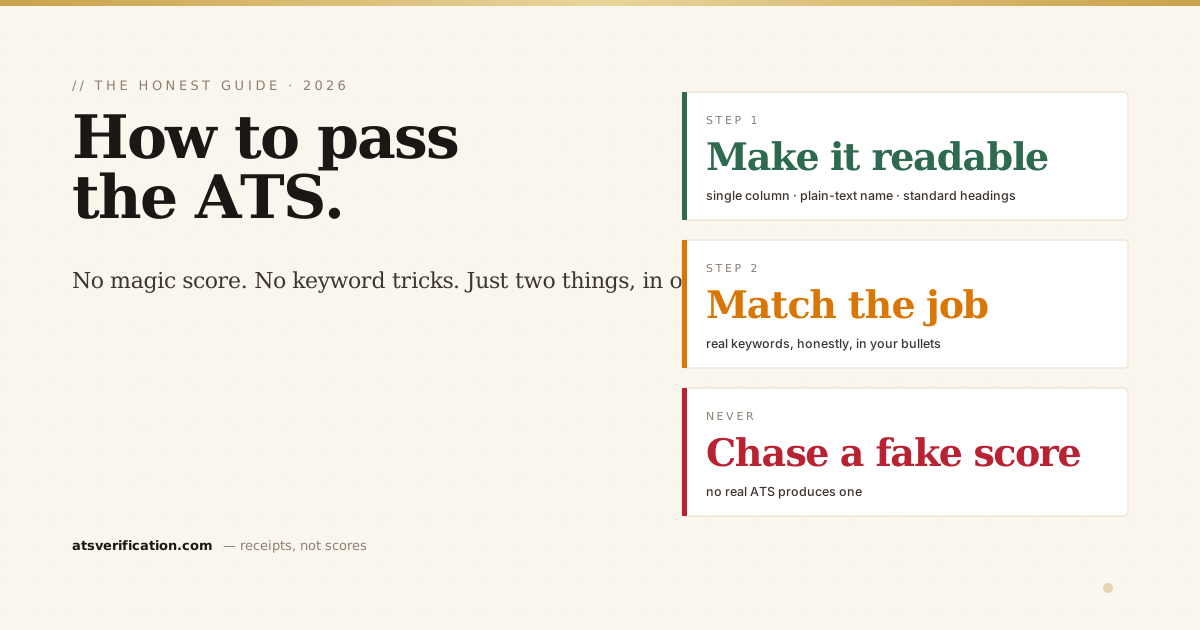
"How do I get my resume past the ATS?" is one of the most searched questions in the job hunt, and one of the worst-answered. Most advice sends you chasing a magic score, stuffing hidden keywords, or copying a "beat the ATS" template that quietly makes things worse. The real answer is simpler, more boring, and far more reliable. Passing an applicant tracking system comes down to two things in order: first the software has to be able to read your resume, then it has to find you relevant. Here's how to do both, step by step, with no hype.
- "Passing" isn't a score. No real ATS gives your resume a 0–100 grade, the first gate is pass/fail: can the software read your file correctly?
- Readability comes before keywords. A perfectly keyword-matched resume that parses wrong still loses. Fix the parse first.
- The winning format is deliberately plain: single column, plain-text name up top, standard headings, real text, no tables or images for layout.
- Match the job honestly. Mirror the language of the specific posting, do not stuff keywords or hide white text, which backfires.
- Verify before you send. The only way to know you passed the parse is to look at the extracted text, not trust a number.
First, understand what "passing" actually means
An ATS does three things: it parses your file into structured text, stores that as a candidate record, and lets a recruiter search and rank those records (the mechanics are in what an ATS is and how it reads your resume and how ATS scoring works). "Passing" happens in two stages: your resume has to survive the parse (be readable), and then it has to rank well enough on relevance that a human sees it. Skip the first stage and nothing else matters, so we start there.
Step 1: Make your resume machine-readable
This is the stage almost everyone gets wrong, because a resume can look flawless to you and come out scrambled to the software. If you are writing the document from scratch rather than repairing one, start with how to write a resume, which puts these rules in order. The rules that reliably keep it readable:
- Single column. Two-column layouts are the number-one parsing breaker, the software reads across the page and interleaves your sidebar into your work history. In our controlled test it was the only layout of six to draw a critical flag. See are two-column resumes ATS-friendly.
- Plain-text name on the first line. Not in an image, text box, or header. If the parser can't read your name, you're filed without one, see why the ATS can't read your name.
- Contact details in the body, not the page header. Some engines skip header and footer regions as boilerplate, do ATS read headers and footers.
- Standard section headings. "Experience," "Education," "Skills", not "Where I've Made an Impact." The heading is the map the parser files your content by: the safe headings list.
- No tables for layout, no images of text. Simple lists survive; layout tables scramble and glue cells together. Details in do ATS read tables in a resume.
- A standard font and real, selectable text. Not a scanned image, not a fancy display face, the best fonts for ATS resumes. Unsure whether your file is a scan? The five-second cursor test is in can an ATS read a scanned resume.
Do this and you've cleared the gate that trips up the majority of applicants. Since nearly all large employers run an ATS, this alone puts you ahead of most of the pile.
Step 2: Match the job, honestly
Once the software can read you, it ranks you against the specific posting. This is where keywords matter, but not the way clickbait advice suggests. You're not gaming a machine; you're making sure the words a recruiter searches for actually appear in your resume, because they describe what you've genuinely done.
- Mirror the posting's language. If the job says "financial modeling" and you wrote "built financial models," align the phrasing. Same skill, matched wording.
- Prioritize the hard skills and tools named in the JD, the concrete, searchable terms (software, certifications, methodologies) over generic soft-skill filler. More on this in ATS keywords vs action verbs.
- Put keywords in context, in your bullets. A skills list helps, but a keyword earns far more weight when it sits inside a real accomplishment. Format that list right too, see how to list skills the ATS can read.
- Make your links readable. Spell out your LinkedIn and portfolio URLs as plain text, an ATS often can't read a link hidden behind a word or icon (do ATS read hyperlinks).
Step 3: What NOT to do (the tricks that backfire)
- Don't stuff keywords or paste the whole job description in white text. Modern systems and recruiters catch it, and it reads as dishonest the moment a human opens the file.
- Don't chase an "ATS score." No real ATS produces a 0–100 number; the ones checker tools show you are invented, usually to sell an upgrade, are ATS checkers accurate.
- Don't add a photo for ATS applications (it's an image the parser can't read, and it invites a breaking layout) unless your region expects one, should you put a photo on your resume.
- Don't overthink the file type. A clean, text-based PDF is fine for most modern systems; follow the posting when it specifies. See PDF vs Word for ATS.
Step 4: Verify before you send
Here's the step almost no one takes, and it's the one that actually tells you whether you passed: look at what the software extracts from your file. You can't tell by eye, your resume looks perfect on screen whether or not it parsed cleanly. Two ways to check:
- Free, private, 10 seconds: the copy-paste test, select all, copy, paste into Notepad, and read the raw text. If it's clean and in order, you're fundamentally fine.
- The detailed version: a free ATS scan runs your real file through a parser and shows you exactly what came out, whether your name survived, your sections stayed in order, and your skills are searchable, with the specific fix for anything broken. No invented score, no signup.
Step 5: Then let a human do the rest
Passing the ATS gets you seen, it doesn't get you hired. Once your resume is readable and relevant, a recruiter reads it like a person. So while you keep it machine-friendly, keep it genuinely good: quantified accomplishments, a clear story, tight writing. The goal was never to impress software. It was to stop the software from hiding a resume a human would have wanted to read.
The honest one-line summary
To pass the ATS: make it readable (single column, plain-text name, standard headings, no tables or images), match the specific job's real keywords, verify the parse, and never chase a fake score. That's it. Everything else is noise. If you want to see exactly what an ATS pulls from your resume right now, a free scan shows you the receipts.