If you've applied to a large US company, a bank, an insurer, a Fortune 500 name, a health system, a government contractor, there's a strong chance your resume went through Taleo, Oracle's applicant tracking system. It's widely used in American enterprise hiring, and it has a reputation for being unforgiving. Taleo is an older product, and many applicants know it for the "now re-type your entire resume into these fields" application flow. Oracle doesn't publish how its parser works, so here is what can go wrong and how to format a resume that gives it the least to trip over.
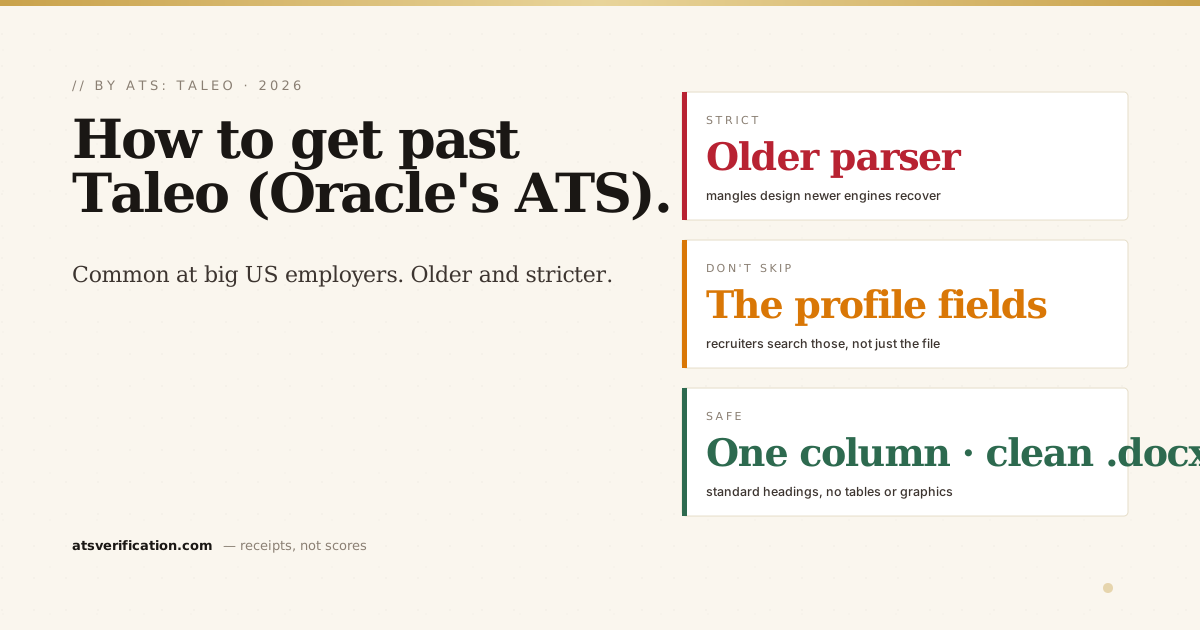
- Taleo is common and has a strict reputation. It's used across many large US employers, and applicants widely report it handles designed layouts poorly.
- The profile fields matter as much as the resume. Taleo often makes you re-enter your history into form fields, fill those accurately, because they're what recruiters search.
- Keep it plain: single column, standard headings, no tables or graphics. Anything fancy is a risk with any parser, and an older one is no exception.
- A clean .docx is often the safest bet for older Taleo configurations, though text-based PDFs usually work too, follow what the posting asks for.
- Match the job's exact keywords. Recruiters search Taleo by keyword, so mirror the posting's real terms in your bullets and skills.
Why Taleo is harder than newer systems
Every ATS parses your resume into structured text and lets recruiters search it (the general mechanics are in what an ATS is and how it reads your resume). What sets Taleo apart is age. It predates many of today's systems, and employers often run older configurations of it, which is part of why "how to get past Taleo" is such a common search. Oracle does not publish how its parser handles creative layouts, so the safe assumption is that it won't reconstruct them.
The Taleo quirk everyone hits: the form fields
Taleo is notorious for making you upload your resume and then re-enter your work history, education, and skills into separate form fields. Many applicants rush this, but those fields are often what a recruiter actually searches and filters on, sometimes more than the attached file. So fill them out completely and accurately: exact job titles, employers, dates, and the skills that match the posting. Treat the form as part of your application, not an annoyance to skip.
What breaks in Taleo
- Two-column layouts. A common breaker for any parser. If text is read straight across the page, your columns get interleaved, details in are two-column resumes ATS-friendly.
- Tables. Skills or dates arranged in a table can flatten into glued tokens or drop entirely, see do ATS read tables in a resume.
- Headers and footers. Contact details placed only in the page header can be skipped (do ATS read headers and footers). Keep them in the body.
- Graphics, icons, and special characters. Logos, skill bars, and unusual symbols confuse older parsers. Use plain text.
- Non-standard section headings. Parsers generally map content by recognizable labels, stick to the standard headings.
The format that gets through Taleo
- Single column, top to bottom. No sidebars, no tables for layout.
- Plain-text name and contact in the body of page one. Not in a header or image.
- Standard headings: Summary, Experience, Education, Skills.
- A clean, text-based file. A well-exported .docx is a safe choice for older Taleo setups; text-based PDFs generally parse fine too. When the posting specifies a format, follow it, more in PDF vs Word for ATS.
- Real, selectable text, never a scanned image of a resume.
Then match the job
Recruiters search and filter Taleo candidates by keyword, so once it can read you, make sure you're relevant. Mirror the specific posting's exact terms, the tools, certifications, and skills it names, placed inside real accomplishments, not stuffed. The full method is in how to pass the ATS and ATS keywords vs action verbs. Since nearly all large employers run an ATS, getting this right at a Taleo employer puts you ahead of a lot of the field. The same clean-format habit carries over to other big US systems, see how to get past iCIMS and the broader Fortune 500 ATS picture.
Check what Taleo would see
You can't tell whether your resume survives Taleo by looking at it, it looks perfect on your screen regardless. Verify it: the free copy-paste test (paste into Notepad) shows you roughly what a parser extracts, and a free ATS scan shows the exact text pulled from your file, whether your name, sections, dates, and skills came through clean, with no invented score and no signup. Fix anything broken before you apply, because a scrambled parse can mean you never show up in a recruiter's search. For more on the platform, see our Taleo ATS guide.