If you're applying to US tech companies and startups, you'll run into Lever a lot. Along with Greenhouse, it's one of the go-to applicant tracking systems for high-growth companies. Lever is a newer product than legacy systems like Taleo, and many applicants assume that means it forgives anything. That assumption makes people careless, and a resume that parses mostly right still loses to one that parses perfectly when a recruiter is comparing a stack of strong tech candidates. Lever doesn't publish how its parser works, so here's what generally happens to your resume and how to give it nothing to trip on.
- Lever is common at US tech and startups. If you're applying to high-growth companies, assume Lever or Greenhouse is reading you first.
- A newer system is not magic. Don't count on any parser to rebuild a two-column layout, and text inside images is invisible to all of them.
- Competition is the real filter. Against a strong tech candidate pool, a clean parse and precise keyword match are what separate you.
- The winning format is the same as everywhere: single column, plain text, standard headings, no tables or graphics.
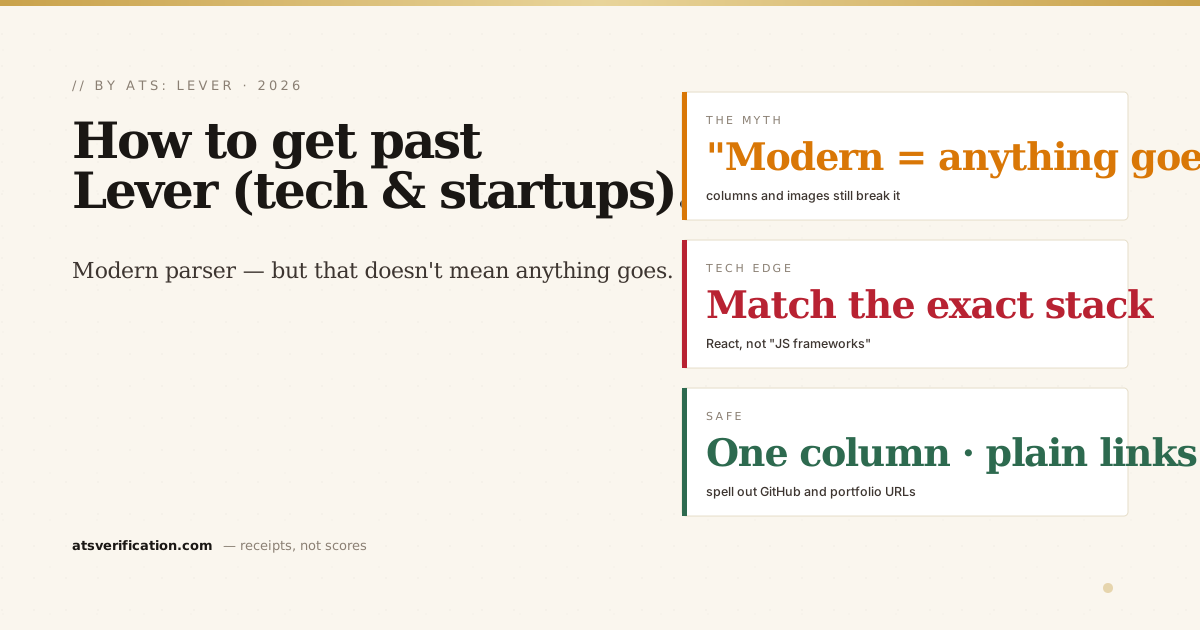
- Match the exact stack the role names, languages, frameworks, and tools, inside real accomplishments.
What Lever does with your resume
Lever parses your file into a structured candidate profile and lets recruiters search and manage the pipeline (the general mechanics are in what an ATS is and how it reads your resume). Because Lever is popular with tech and startup teams, applications often go to smaller, faster-moving recruiting teams, but the resume is still extracted into text and searched, and the candidate pools for good tech roles are strong. So whatever the parser, the details decide it.
"Modern parser" doesn't mean anything goes
The most common mistake with Lever and Greenhouse is assuming a modern ATS means you can use that gorgeous designed template. You can't count on it reading your columns any better than an old one. If a parser reads straight across the page, a two-column layout scrambles your work history (why two columns break). Images, skill bars, and text inside graphics are still invisible. No parser can be relied on to fix a fundamentally un-parseable layout.
The format that gets through Lever
- Single column, top to bottom. No sidebars, no layout tables.
- Plain-text name and contact in the body of page one (why the ATS can't read your name).
- Standard headings: Summary, Experience, Education, Skills.
- Real, selectable text in a clean PDF or .docx.
- Links spelled out as plain text, your GitHub and portfolio matter in tech, so make sure they parse (do ATS read hyperlinks).
It's the same format that gets you through Taleo and every other system, see how to pass the ATS for the complete method.
The tech-specific edge: match the exact stack
For engineering and technical roles, the keyword match is unusually literal. If the role lists "React," "TypeScript," and "PostgreSQL," write those exact terms, not "modern JavaScript frameworks and relational databases." Many recruiter searches match exact words, not synonyms (more in ATS keywords vs action verbs and how to list skills). List your real stack plainly, and prove the important tools inside accomplishments. Since nearly all sizable employers run an ATS, and strong tech pools are competitive, that precision is your edge.
Check what Lever would see
You can't tell whether your resume, or your GitHub link, parsed cleanly by looking at it. Verify before you apply: the free copy-paste test gives a quick read, and a free ATS scan shows the exact text pulled from your file, with no invented score and no signup. For more on the platform, see our Lever ATS guide, and for the wider US picture, do Fortune 500 companies use an ATS.