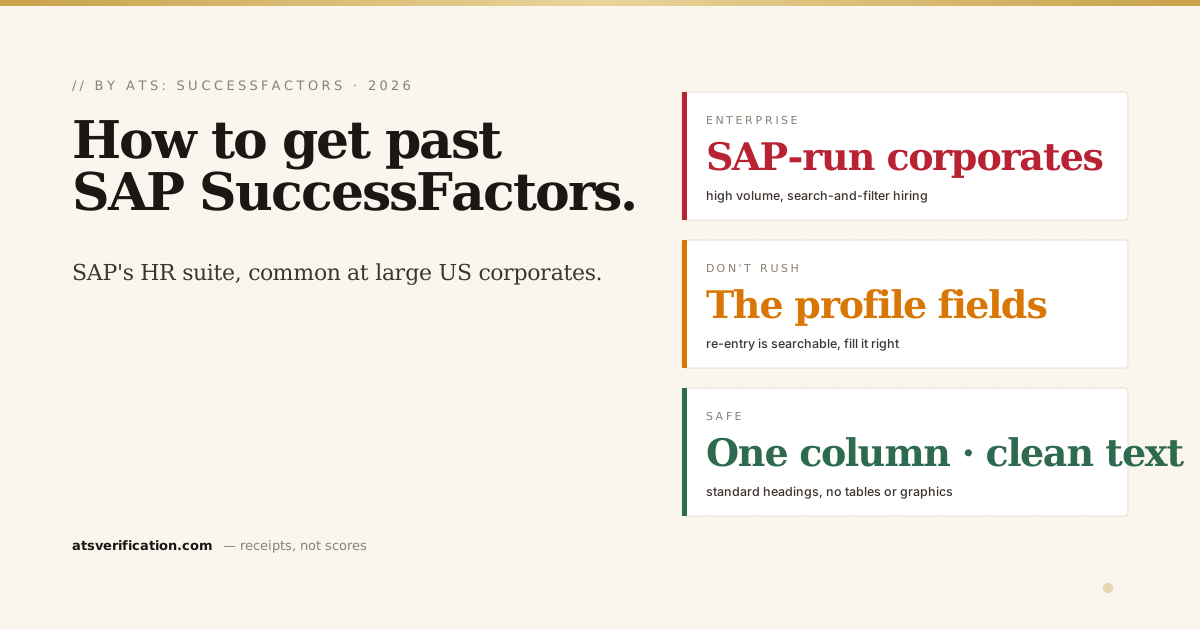
If you've applied to a large, established US company, a manufacturer, a bank, a healthcare system, a Fortune 500 name that already runs SAP for its finance and HR, there's a strong chance SAP SuccessFactors handled your application. It's one of the most widely deployed recruiting systems in big-company US hiring, and like every ATS it reads your resume before a human does. Here's how it works and how to give it a file it can actually read.
- SuccessFactors is an enterprise HR suite. Its recruiting module parses your resume into a structured candidate profile that recruiters search and filter.
- It often asks you to re-enter your history into form fields. Those fields are searchable, so fill them accurately even when it feels redundant.
- The parse still decides visibility. A two-column or image-based resume scrambles the same way it does in any other system.
- Keep it plain: single column, standard headings, real text, no tables, graphics, or header-only contact details.
- Match the specific posting's keywords so recruiter searches surface you from a large applicant pool.
What SuccessFactors does with your resume
SuccessFactors is SAP's cloud HR platform, and its Recruiting module is the part you meet as a job seeker. When you apply, it parses your resume into structured text and builds a searchable candidate record (the general mechanics are in what an ATS is and how it reads your resume). Because it's used by large employers with high applicant volumes, recruiters lean on searching and filtering that database, so if your titles, dates, or skills didn't extract cleanly, the search that should have found you never does. For how ranking works generally, see how ATS scoring works.
The re-entry step people rush through
SuccessFactors frequently asks you to complete your work history and details in its own form fields, sometimes after it has already parsed your resume. It's tempting to rush or skip these because they feel redundant. Don't. Those structured fields are exactly what recruiters filter on, exact job titles, employers, dates, and skills. Enter them accurately and completely; a blank or sloppy field can quietly drop you out of a search you would otherwise have matched.
What breaks in SuccessFactors (and every other ATS)
- Two-column layouts, read across the page and scramble your history (why two columns break).
- Header/footer-only contact details, may be skipped (do ATS read headers and footers).
- Tables, graphics, icons, and images of text, carry no readable content or glue into nonsense.
- Creative section headings, use the standard labels so content maps to the right fields.
The format that gets through SuccessFactors
- Single column, top to bottom.
- Plain-text name and contact in the body of page one.
- Standard headings: Summary, Experience, Education, Skills.
- Real, selectable text in a clean PDF or .docx, never a scanned image.
- Skills as plain text, mirroring the posting's terms (how to list skills).
This is the same format that works for Taleo, iCIMS, Workday, and every other system, because they all share the same core job of extracting text. Keep one clean master resume and tailor the keywords per role. For the full playbook, see how to pass the ATS.
Then be findable in the pool
At large SuccessFactors employers, being readable gets you in; being relevant gets you found. Mirror the specific job's exact skills and tools in your bullets, skills section, and the profile fields, honestly. Since nearly all large employers run an ATS, and SuccessFactors is one of the most common at SAP-run corporates, getting both the format and the keywords right is what separates you (more context in do Fortune 500 companies use an ATS).
Check what SuccessFactors would see
You can't tell whether your resume parses cleanly by looking at it. Verify it before you apply: the free copy-paste test gives a quick read, and a free ATS scan shows the exact text pulled from your file, with no invented score and no signup. For more on the platform, see our SuccessFactors ATS guide.