ZipRecruiter is one of the biggest job marketplaces in the US, and its whole pitch is speed: post once, get matched, apply in a click. That convenience raises the same question people ask about Indeed, is ZipRecruiter itself the applicant tracking system, or is it sending your resume somewhere else? The answer shapes why some applications get a fast response and others vanish, and what you can control either way.
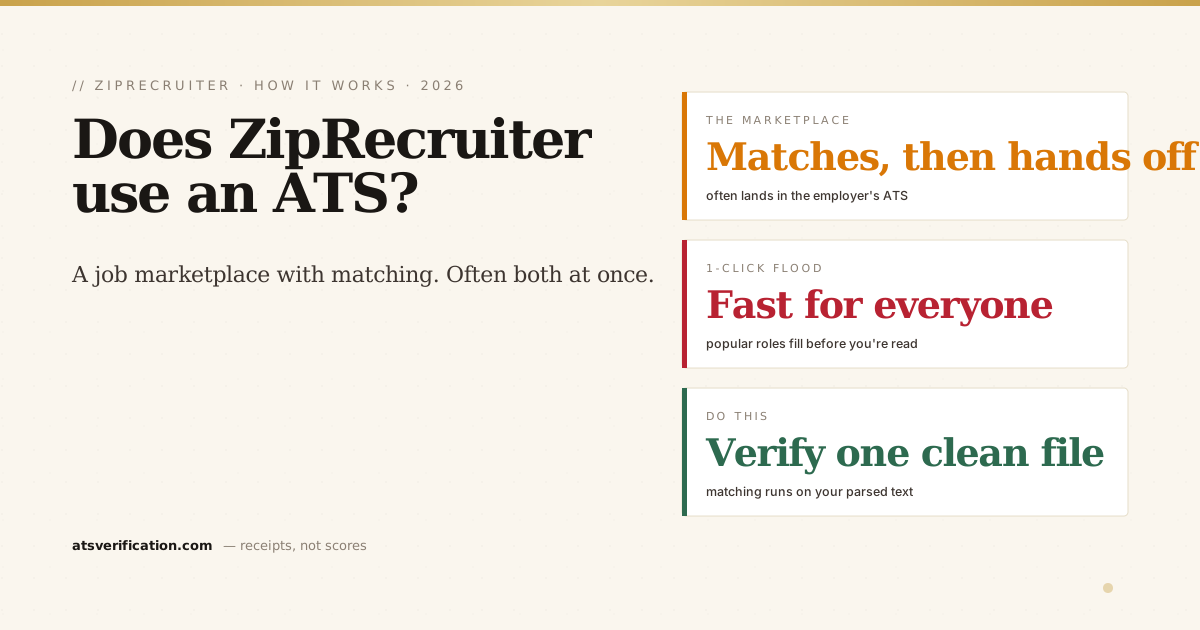
- ZipRecruiter is a job marketplace with matching tech, not one single ATS. It has its own hiring tools, but many applications flow to the employer's own ATS.
- 1-Click Apply is fast, and floods roles. The same low-friction button everyone uses means popular jobs collect huge applicant piles.
- Your resume still gets parsed. Whether ZipRecruiter's system or the employer's ATS reads it, a two-column or image-based file still scrambles.
- Its "matching" leans on your resume text. If your file parses badly, the matching and the recruiter search both miss you.
- Verify your resume once and reuse that clean file across ZipRecruiter, Indeed, LinkedIn, and employer portals.
So, does ZipRecruiter use an ATS?
ZipRecruiter operates its own hiring platform for employers, they can post jobs, receive applications, and manage candidates inside ZipRecruiter, and it adds a matching layer that tries to connect jobs and candidates automatically. So in that sense it has ATS-like features. But it's primarily a marketplace and aggregator: it distributes your application to employers, and for many listings that means your resume lands in the employer's own applicant tracking system, Workday or Greenhouse, Taleo, iCIMS, or others. Either way, your resume is parsed into text and searched. For the general mechanics, see what an ATS is and how it reads your resume, and the job-board comparison in does Indeed use an ATS.
1-Click Apply: fast, but a flood
ZipRecruiter's 1-Click Apply is its headline feature, it sends your saved resume to a role instantly. Convenient, but it's the same button everyone else taps, so popular roles collect hundreds of applications fast. Recruiters don't read hundreds of resumes; they search and filter (see how recruiters actually sort candidates). If your resume didn't parse cleanly, you're not in the searchable pile, you're invisible, not rejected. It's the same dynamic as LinkedIn Easy Apply: low friction cuts both ways.
Its matching runs on your resume text
ZipRecruiter markets its AI matching, but matching still depends on being able to read your resume. If a two-column layout scrambled your work history, or your skills were trapped in a table, the matching engine and any recruiter search both work off garbled text, and quietly pass you over. The "smart" layer can't rescue a file it couldn't parse in the first place.
Why ZipRecruiter applications go quiet
- A knockout screening answer disqualified you instantly (see why you get rejected minutes after applying).
- A parsing failure meant your history or contact details didn't come through, so you never surfaced.
- The 1-Click flood, popular roles fill before many applications are ever opened.
- Stale or aggregated listings that were already closed.
What to actually do
The two things you control are the same everywhere: your screening answers and whether your resume parses. Before you rely on one saved file for dozens of 1-Click applications, verify it. Run the copy-paste test or a free ATS scan that shows the exact text extracted from your resume, with no invented match score and no signup. If it reads cleanly, that one good file works across ZipRecruiter, Indeed, LinkedIn, and every employer portal. If it doesn't, you'll see exactly where it breaks and can fix it before it costs you another fifty clicks. For the wider US picture, see do Fortune 500 companies use an ATS and how to pass the ATS.