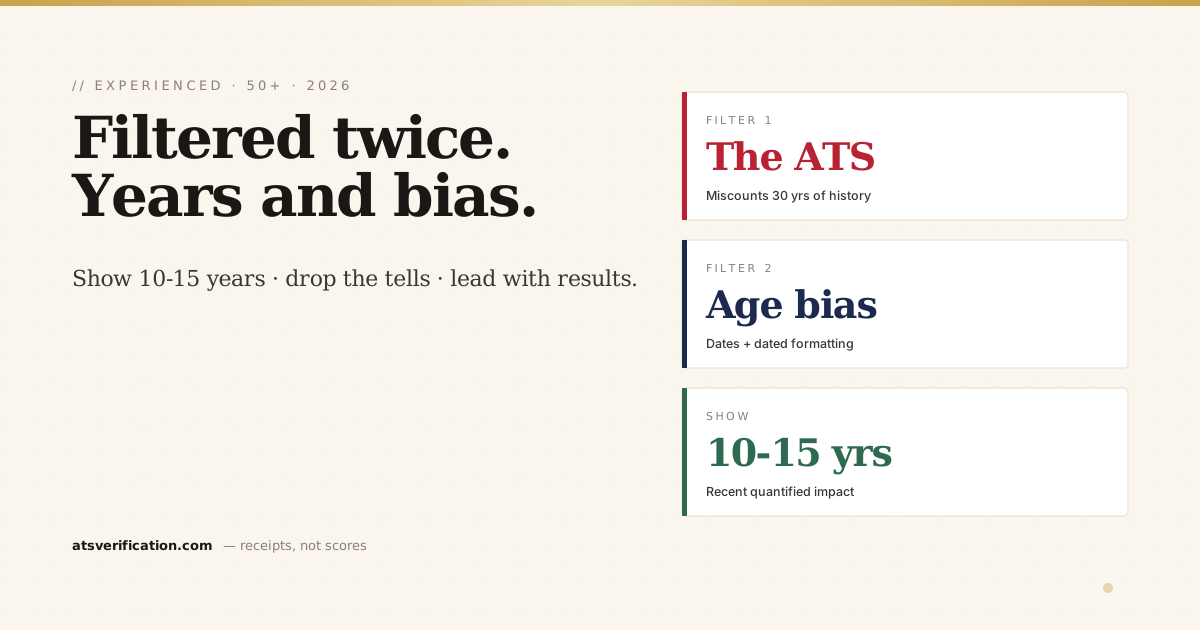
Experienced candidates get filtered twice. First by the ATS, which can mis-handle a 30-year history, over-counting your "years of experience" past what the role wants, or choking on a five-page chronology. Then by age bias, real and illegal but real, triggered by dates and formatting tells that telegraph your age before anyone reads your accomplishments. You can't control a biased screener, but you can control what the resume reveals and how cleanly it parses. Here's how.
- Show ~10–15 years, not 30. Older roles can be summarized in one line or dropped, this also keeps the ATS "years of experience" field aligned with what the job asks for.
- Drop the age tells: graduation years, "20+ years" in the summary, an AOL/Hotmail address, two spaces after periods, an Objective statement.
- Lead with recent, quantified impact, experience is your advantage only if it reads as current results, not a long timeline.
- Modern, single-column, ATS-safe format signals current and parses cleanly, a dated template is itself an age tell and a parsing risk.
- Age discrimination in hiring is illegal in the US (ADEA, 40+), you owe no one your birth year, graduation dates, or full history (see how far back a resume should go).
The two filters working against experience
Filter 1, the ATS. It computes a "years of experience" field and a recent-title from your dated history (the mechanics are in how ATS scoring works). List 30 years and a role seeking "8–12 years" may rank you as over-qualified/mismatched; a five-page chronology also risks truncation and dilutes your keyword density. The parser isn't biased, it's just doing math on whatever timeline you give it.
Filter 2, human bias. Age discrimination is prohibited under the U.S. Age Discrimination in Employment Act (ADEA) for workers 40 and over, but a resume that broadcasts age can quietly cost you the call before that protection ever matters. You're not hiding anything dishonest; you're declining to volunteer data the law says shouldn't factor into hiring anyway.
Show the right years
The single highest-leverage edit: cap the detailed history at roughly 10–15 years.
- Recent roles (last ~15 years): full treatment, quantified bullets.
- Older roles: a compact "Earlier Experience" section listing title + company only, no dates, or grouped ("Earlier roles at IBM, Oracle, and Dell in software engineering").
- Roles older than ~20 years that don't add relevance: drop them. You are not obligated to present a complete life history, see the resume length guide on how far back to go.
This keeps the ATS "years of experience" reading in the range the job wants and concentrates your keyword density in recent, relevant work.
Remove the age tells
| Tell | Fix |
|---|---|
| Graduation year on degree | List the degree and school, omit the year |
| "25+ years of experience" in the summary | "Senior [role] with deep expertise in X, Y, Z", skill, not tenure |
| name@aol.com / @hotmail.com | A clean Gmail or custom-domain address |
| "Objective:" statement | A modern professional summary |
| Two spaces after periods, dated fonts | Single space; a clean modern font |
| Full mailing address, "References available on request" | City + state only; drop the references line |
Turn experience into an advantage, not a timeline
Experience only helps if it reads as current results. Lead each recent role with quantified impact, revenue, scope, teams, savings, outcomes (the quantification guide shows the pattern). A senior candidate whose bullets say "responsible for…" reads as coasting; one whose bullets say "cut close time 40%, led a 12-person team through a $30M integration" reads as someone you'd be lucky to get. Same career, opposite impression.
Modern format is itself a signal
A resume that looks like it was built in 2005, Times New Roman, centered everything, an Objective, a two-column "fancy" template, telegraphs age and risks parsing failure at the same time. A clean, single-column, current-looking layout does double duty: it reads as current to the human and parses cleanly for the machine. Follow the ATS-friendly format guide, and skip the decorative templates that scramble in the parser anyway.
Returning after time away on top of being experienced? The employment-gap guide pairs with this one, handle the gap honestly and chronologically while applying the year-capping here.
Check what the parser computes
Because the ATS literally calculates your years and recent title from your dates, you want to see what it produces after you trim. Run a free scan and confirm the parser reads the experience level you intend, and that your recent, quantified roles and skills all extract cleanly.
→ Free ATS scan, see the experience level and skills the software computes from your resume