This week I shipped a change to our scanner after watching the same failure repeat in the logs: people upload a file they genuinely believe is a resume, and it is actually a photograph of one. A phone scan, a picture of a printout, an export that dropped the text layer. Our scanner used to return an error. A recruiter's system does something quieter and worse, it accepts the file, reads nothing, and moves on. The candidate never finds out. So let me answer the question directly, show you the five-second test, and explain the part that surprised even a technical reader I discussed it with.
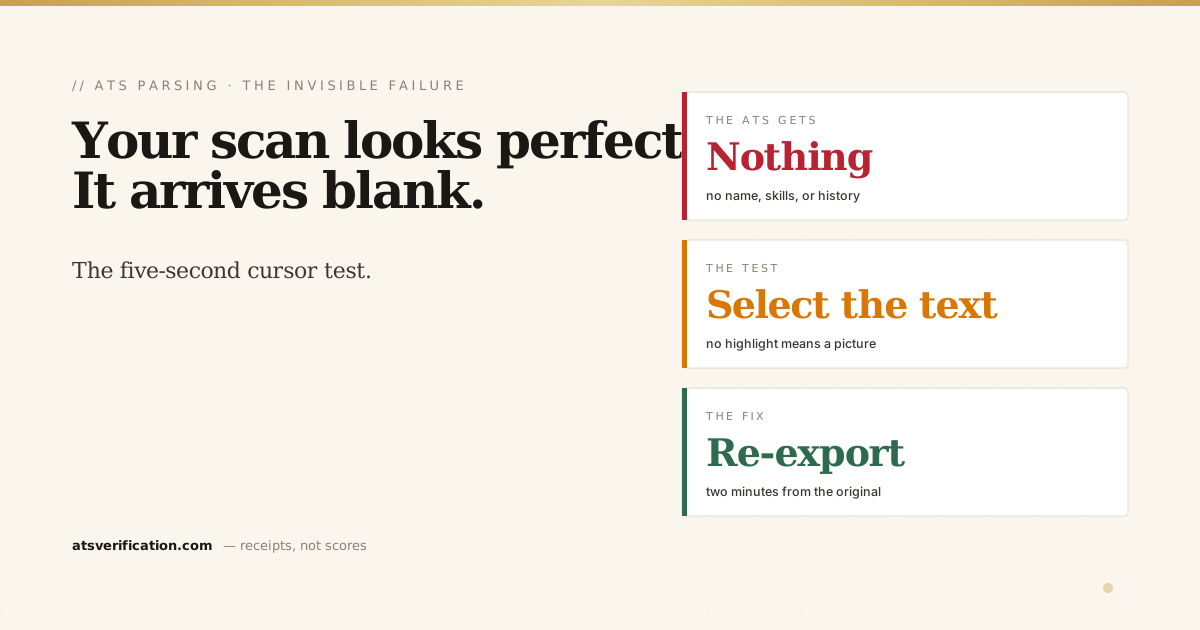
- No, an ATS does not read scanned resumes. Parsing software reads a file's text layer. A scan or photo has none, so the system receives effectively nothing — no name, no skills, no history.
- The five-second test: open your PDF and try to select the text with your cursor. If you cannot highlight words, software cannot read them.
- Your eyes cannot catch this. The file opens perfectly on screen, because your screen shows the picture. The parser never looks at the picture.
- Some files fail sneakier: a "text layer" full of invisible converter junk passes a naive check and still gives the parser garbage.
- OCR is the wrong rescue. Tools that OCR your scan show you text the recruiter's system never sees. The honest fix is a two-minute re-export.
What a scanned resume actually is
A PDF can carry two very different things on the same-looking page: a text layer, where every word exists as machine-readable characters, or an image, where the page is one flat picture of words. Print a resume and scan it, photograph it, or run it through certain converters and phone apps, and you get the second kind. To your eyes the two are identical. Adobe's own documentation on scanned PDFs is built around exactly this distinction, and the file format's stewards at the PDF Association maintain whole standards for keeping documents machine-readable, because so much software depends on it.
An applicant tracking system is that software. When your file arrives, a parser extracts the text layer and fills the candidate database from it, the fields a recruiter searches. Give it a picture and the extraction returns empty. Most ATS parsers do not run OCR on your file, they read what is there, and nothing is there. The application usually does not error, it just enters the database as a ghost: a name field the recruiter typed from the email, attached to nothing searchable.
The five-second test
Open your resume PDF in any viewer. Click just before the first word of your name, hold, and drag across the line, the way you would select text to copy it.
If the words highlight, your file has a text layer and this failure mode is not yours (your file can still fail in other ways, which is what the free scan checks in full). If your cursor draws a selection box over the words without highlighting them, you are looking at a picture. Every application you have submitted with this file arrived blank on the other side.
That sentence is harsh, and I wrote it deliberately, because this is the single most damaging resume defect we see, and also the least visible one. Our scanner now shows people who hit it a dedicated result: your file contains zero machine-readable text. Roughly one upload in ten to our scanner fails to parse at all, and the live tallies of what we find are published on our ATS data report, updated with every scan.
The sneaky variant: the garbage text layer
Here is the part that surprised a technically expert reader I discussed this build with. Some files technically contain a text layer, but it is junk: invisible placeholder text left behind by design tools, or the remnants of an old OCR pass from a previous conversion. A naive check asks "does text exist" and waves these files through. The honest check has to ask "is there meaningful text", real words, at a plausible density per page. A resume page whose text layer holds forty scattered characters is functionally blank, even though a parser technically returned something.
This matters to you for one practical reason: the cursor test above catches pure scans, but a garbage layer can pass it. If your file has been through multiple converters, compressors or "PDF repair" sites, the only reliable check is to extract the text and read it, which is exactly what our scanner shows you: the raw extracted text next to your original, so you can see what a recruiter's system actually receives. Files mangled by compressors fail in other ways too, covered in why resume PDFs fail to upload.
Why we refuse to OCR your file, and why you should distrust tools that do
When we built the diagnosis for scanned files, the obvious feature was OCR: read the picture, extract the words, show a result. We refused, and the reasoning matters to anyone comparing resume tools. Since most real ATS parsers do not OCR your file, an OCR result shows you text the recruiter's system never sees. It converts our scanner from a truth-teller into a comfort machine, you would leave believing your resume parses, and it does not. A tool that quietly OCRs your scan and hands you a score is testing the wrong layer and hiding your worst defect behind its best guess.
The two-minute fix
No software honestly recovers text that is not in the file. The fix is upstream, and it takes two minutes: open the original document, the Word file, Google Doc or design file the resume was made in, and export it directly to PDF (File → Download or Save As → PDF). Never print-and-scan it, never photograph it, and never run the result through a compress-PDF site, the same culprits that cause most PDF-versus-Word problems. Then run the cursor test on the new file, and if you want the full picture of what parsers extract, structure, dates, contact details, section order, the checks in how to pass an ATS and our format guide cover what a clean text layer alone does not.
If you only have a paper copy or an image, retype it. I know that is the answer nobody wants. It is also the only one that puts your name back in the database.